
MeetX H52.7 - Google Play
You'll be able to see results in few seconds.
Publisher Description
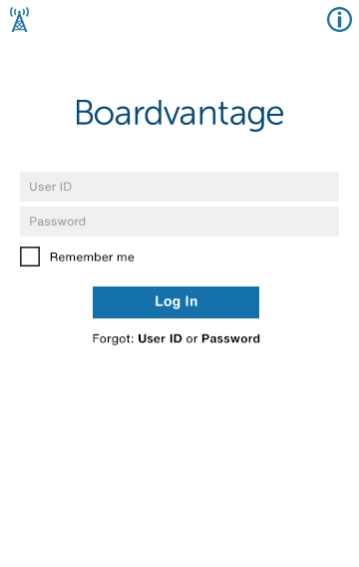
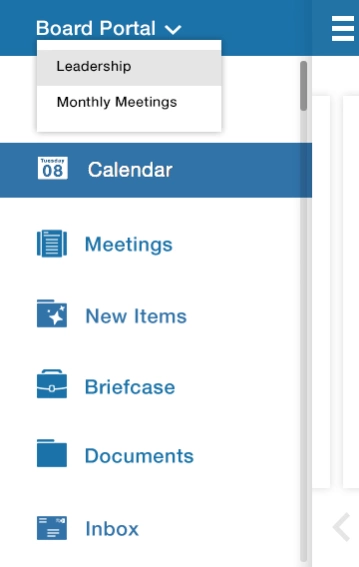
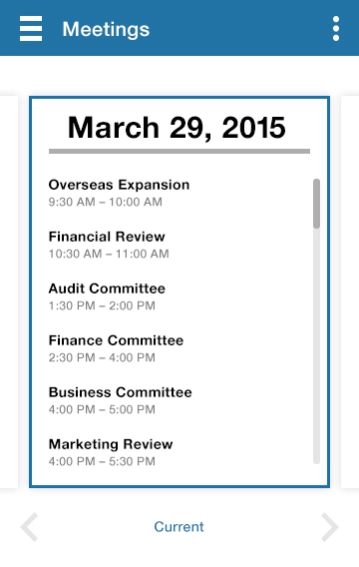
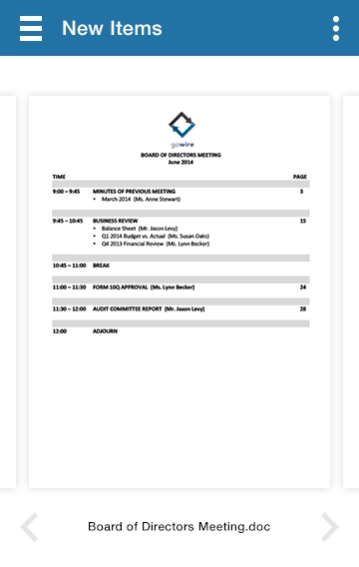
Purpose-Built for Boards and Leadership
As a member of a board or leadership team you are part of a highly mobile, geographically dispersed workgroup, always working under tight deadlines. Whether you are reviewing materials on the go or participating in meetings, MeetX offers purpose-built tools that address these needs.
Designed as a platform for leadership team collaboration, MeetX recognizes documents as the principal asset for executive collaboration while combining a rich mobile experience with the security of a board portal. Because ease-of-use is paramount, the MeetX experience is calibrated for Android.
Summary of Features
• Meetings
• New Items
• Document Repository
• Rich annotation tools
• High-Fidelity Viewer
• User administration
• Brand control
• Encrypted and password protected
• Two-factor authentication
• Permission Model
• Content segregation
• No data in the cloud
About MeetX H5
The company that develops MeetX H5 is BoardVantage, Inc.. The latest version released by its developer is 2.7.
To install MeetX H5 on your Android device, just click the green Continue To App button above to start the installation process. The app is listed on our website since 2018-12-21 and was downloaded 0 times. We have already checked if the download link is safe, however for your own protection we recommend that you scan the downloaded app with your antivirus. Your antivirus may detect the MeetX H5 as malware as malware if the download link to com.boardvantage.meetxjup is broken.
How to install MeetX H5 on your Android device:
- Click on the Continue To App button on our website. This will redirect you to Google Play.
- Once the MeetX H5 is shown in the Google Play listing of your Android device, you can start its download and installation. Tap on the Install button located below the search bar and to the right of the app icon.
- A pop-up window with the permissions required by MeetX H5 will be shown. Click on Accept to continue the process.
- MeetX H5 will be downloaded onto your device, displaying a progress. Once the download completes, the installation will start and you'll get a notification after the installation is finished.
Program Details
System requirements
Download information
Pricing
Version History
version 2.7
posted on 2018-12-22
. Minor Improvements and Bug Fixes.
version 2.1
posted on 2016-11-14
• Implemented Surveys,• Added Inbox message history thread feature,• Added Inbox message recall,• Added the Meeting Remote Presenter feature,• Added the the Users tab Directory,• Added the back arrow for view history,Bug Fixes:,• Fixed a configuration settings bug for annotations,• Corrected the document annotation font style,• Fixed a Support Center link issue,• Fixed an Inbox badge count bug,• Fixed a bug where link opening was delayed
Disclaimer
Official Google Play Link
We do not host MeetX H5 on our servers. We did not scan it for viruses, adware, spyware or other type of malware. This app is hosted by Google and passed their terms and conditions to be listed there. We recommend caution when installing it.
The Google Play link for MeetX H5 is provided to you by apps112.com without any warranties, representations or guarantees of any kind, so access it at your own risk.
If you have questions regarding this particular app contact the publisher directly. For questions about the functionalities of apps112.com contact us.
